![Clive Logo - stacked - black 600px-1.png]](https://support.clivecoffee.com/hs-fs/hubfs/Clive%20Logo%20-%20stacked%20-%20black%20600px-1.png?height=40&name=Clive%20Logo%20-%20stacked%20-%20black%20600px-1.png)
Tools Needed:
- 2.5mm Allen wrench or hex driver
- 3mm Allen wrench or hex driver
NOTE: Make sure that the machine is off, unplugged, and cool to the touch before beginning.
1. Start by removing the wraparound top panel from the machine; steps 1-5.
2. Unscrew the touch points from the valve joysticks on both sides of the machine.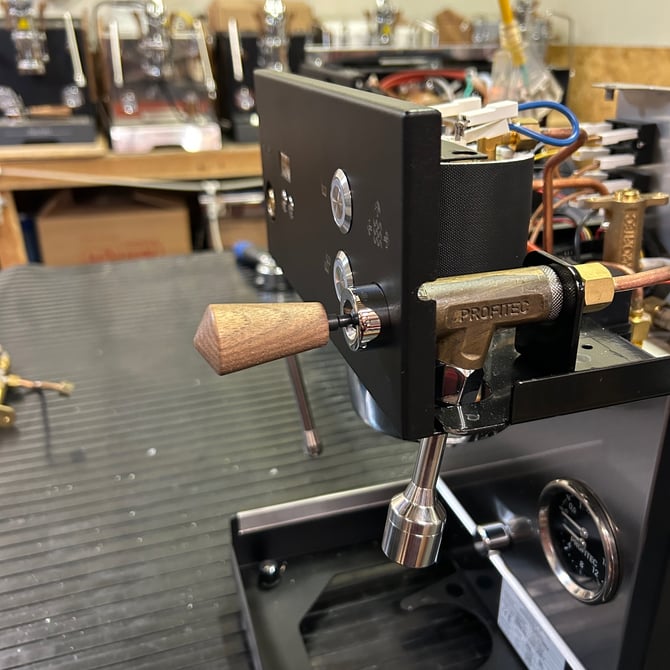
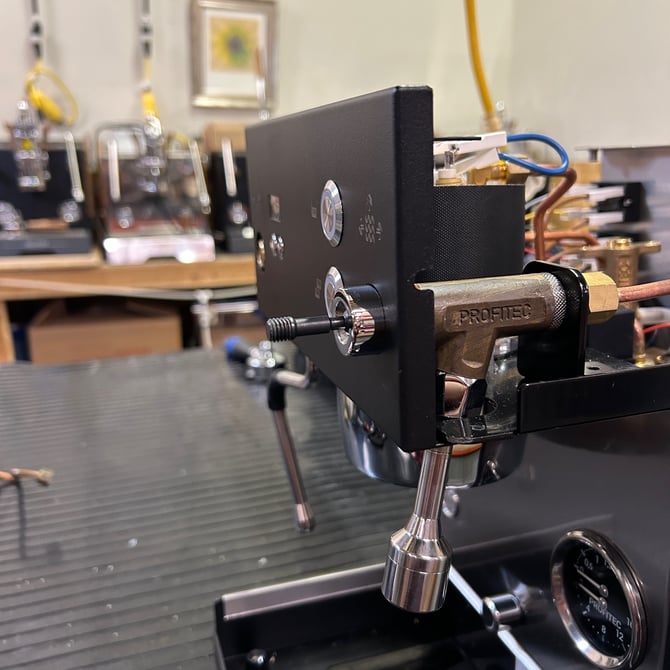
You may need to press down on the joystick firmly while turning the touch point to get it to unscrew from the joystick.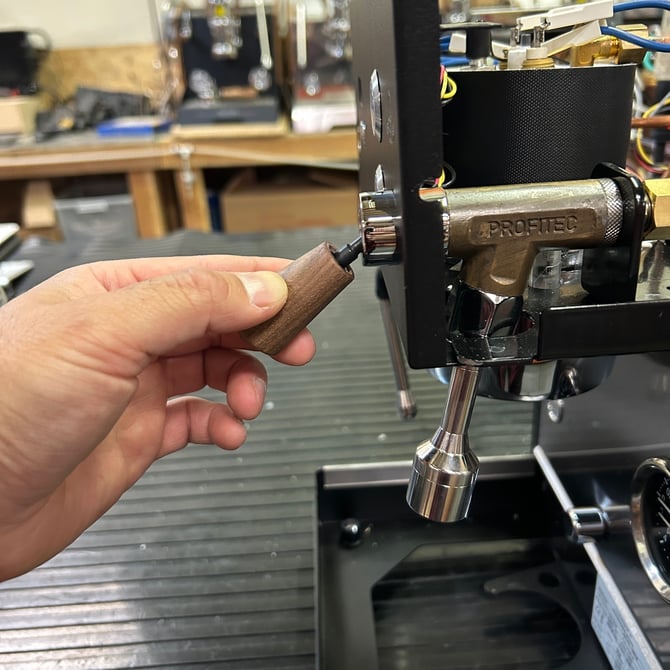
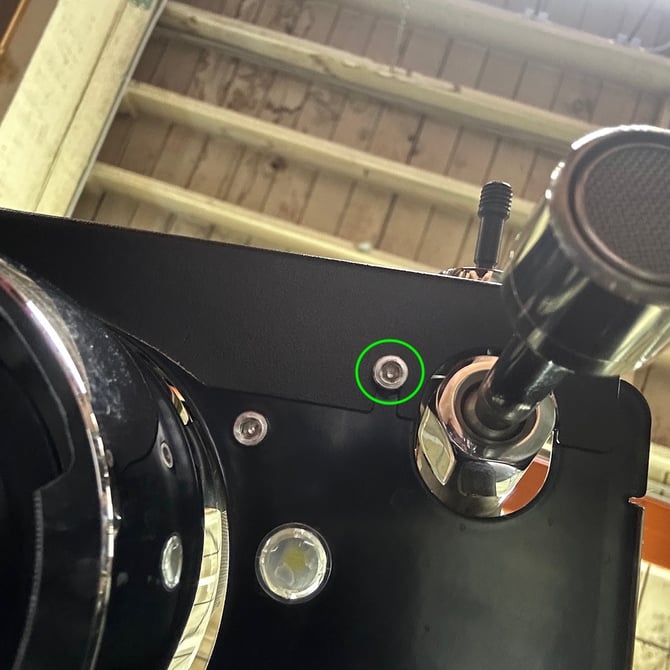
3. Identify and loosen the two Allen head screws located underneath the upper front panel. There's no need to completely undo these screws, simply loosen them a few turns.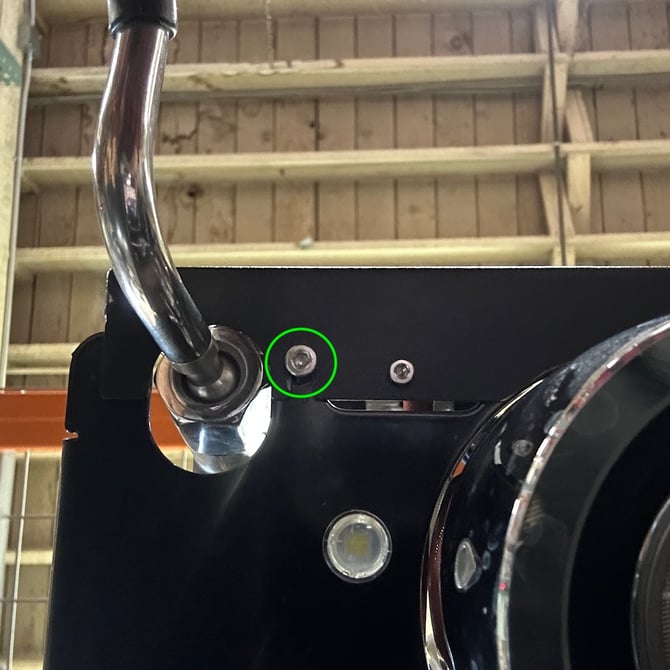
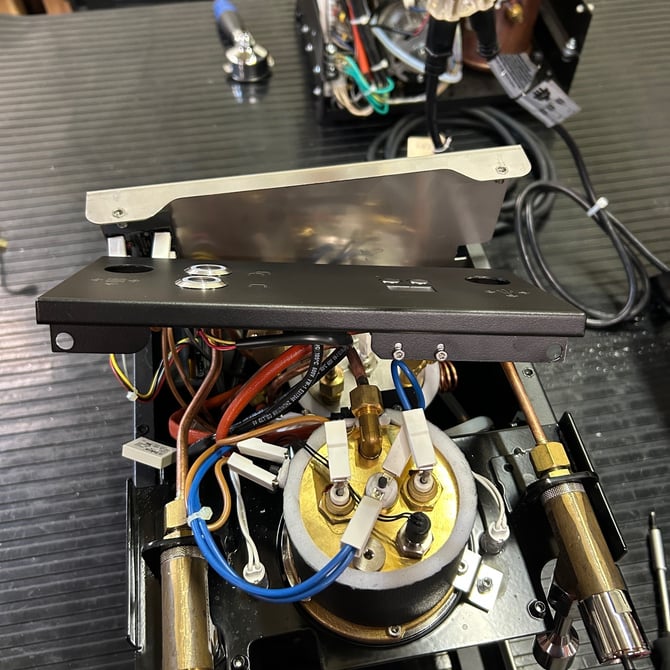
4. Now gently pull the upper front panel forward and away from the machine. Take care not to tug on the wires connected to the back of the panel.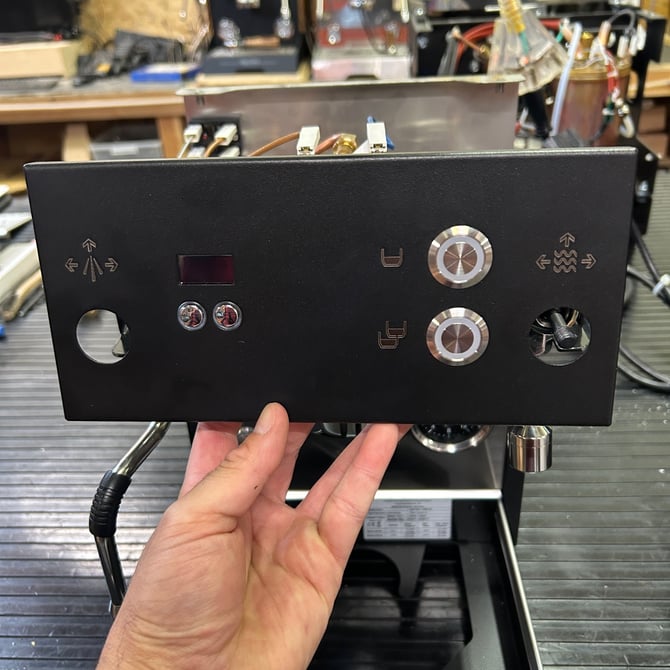
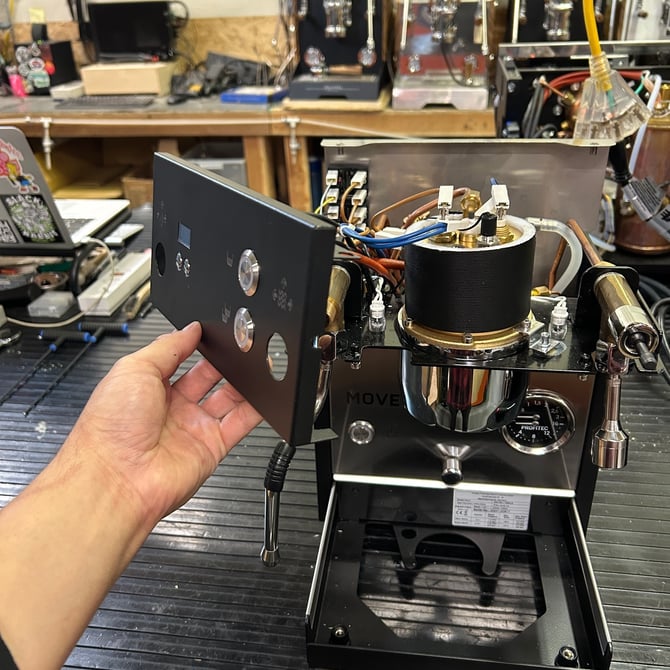
5. From here you can access the back of the panel to service the buttons/switches or the electrical connections. If you'll be working on the machine's valves or boiler, tuck the upper front panel away. Be careful not to pull on the wires or scratch the panel.